01Snap a receipt
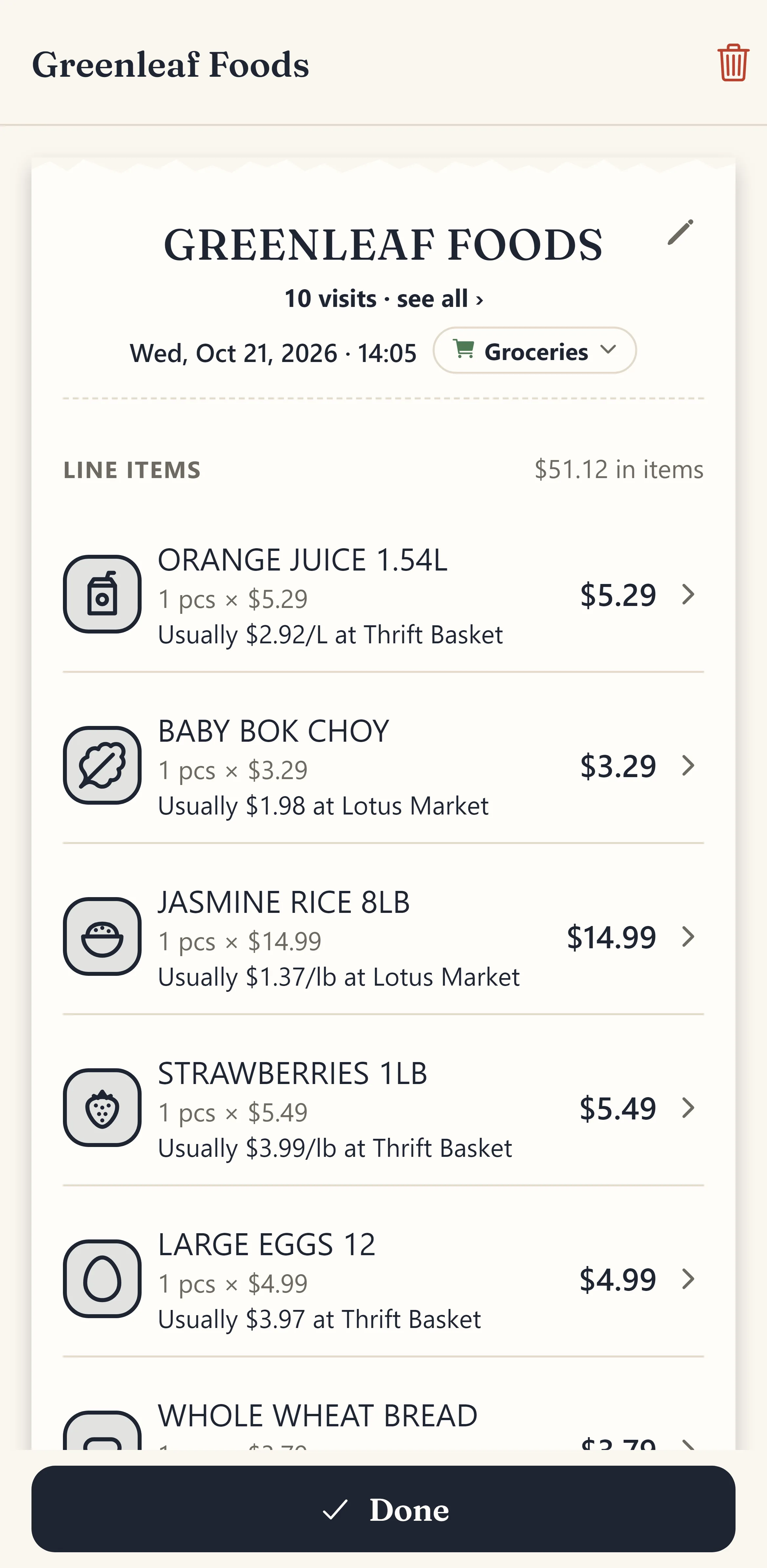
Take a photo, pick photos from your library (up to 50 at once) or open a PDF. The store, address, date and time, every item with its quantity and price, discounts, tax and the total are read in a few seconds, in English or Chinese.
- Long receipts over several photos
- Straightens and crops the photo for you
- Shows you only what it was unsure about
02Your month at a glance
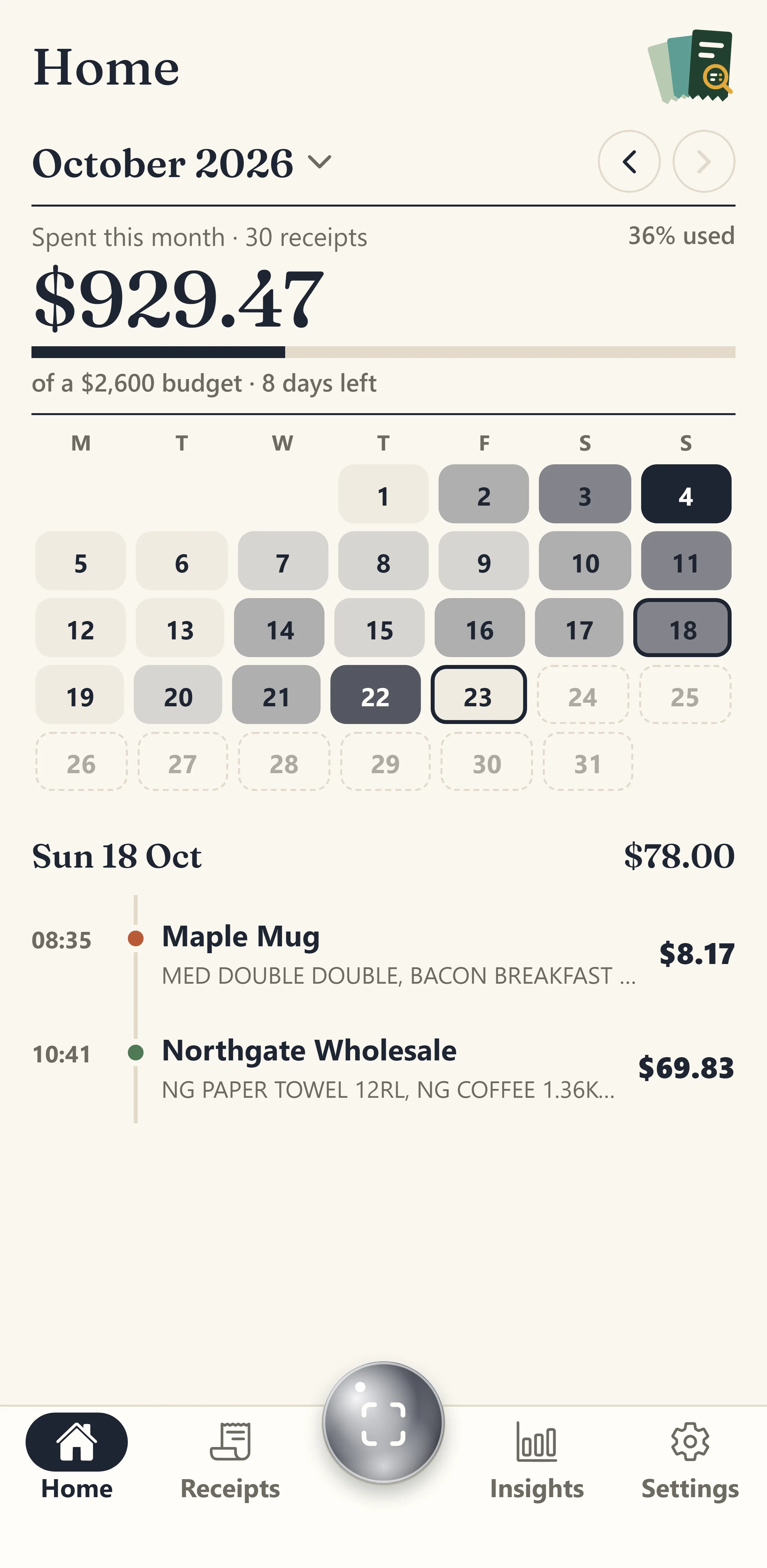
Home shows what you have spent this month against your budget, a calendar shaded by how much you spent each day, and the receipts of the day you tap.
- Tap any day to see its receipts
- Swipe back through earlier months
- A reminder when something needs a look
03See where your money goes
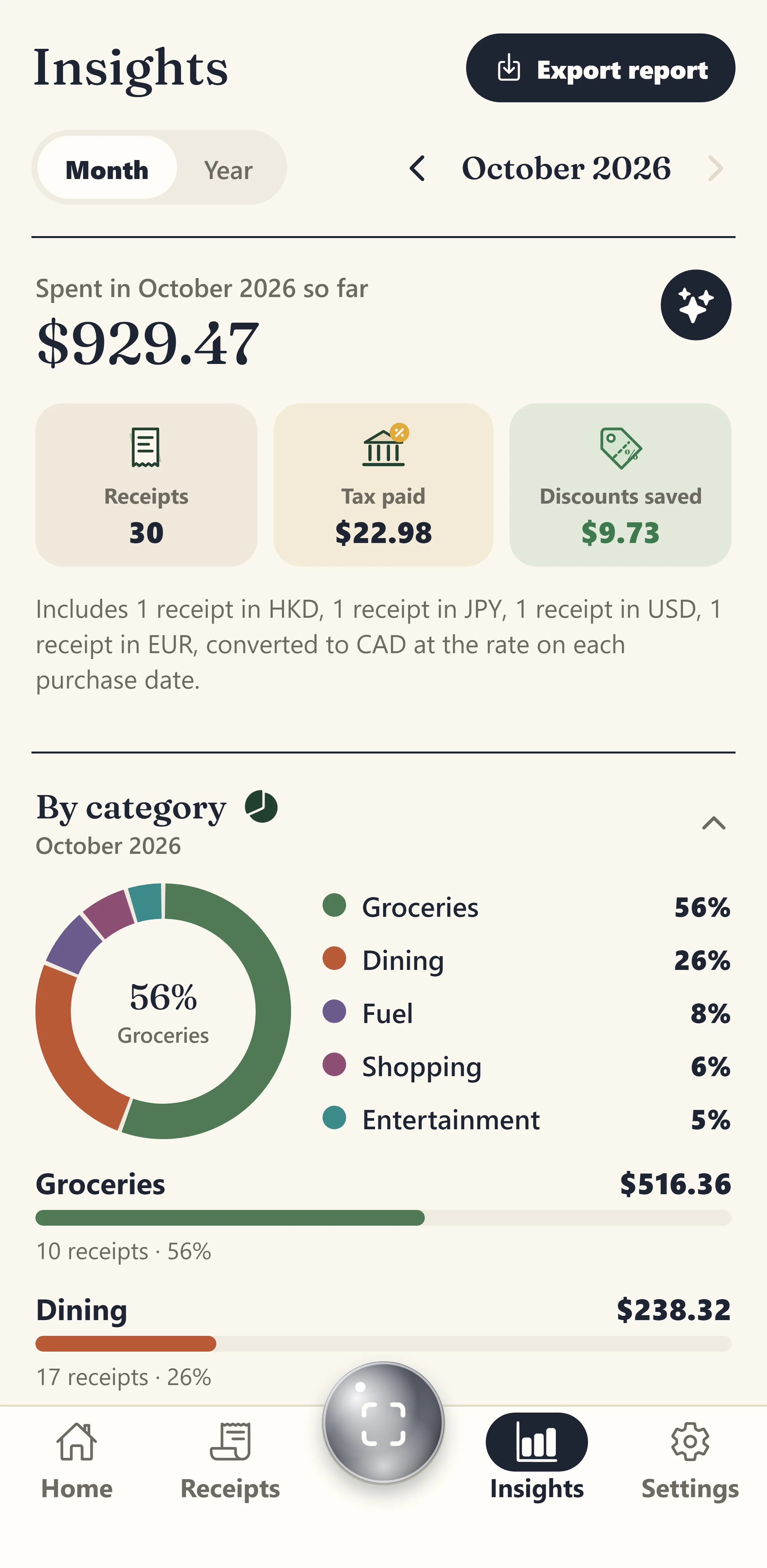
Insights breaks the month or the year down by category, compares it with the month before in plain words, and shows tax paid and the discounts you saved.
- Groceries, dining, fuel and more
- This month against last month
- A year view of your busiest days
04Spot your habits
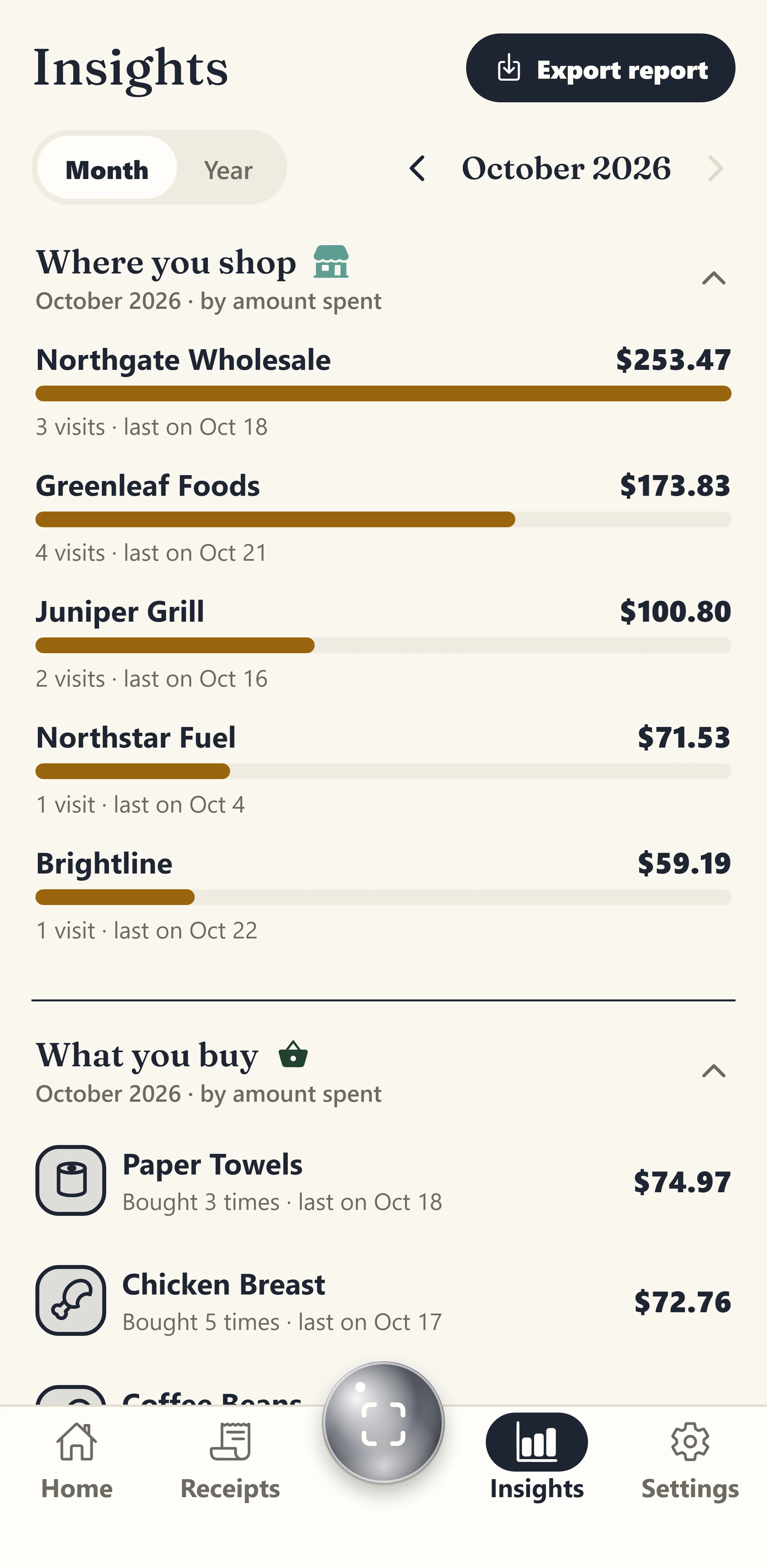
See the stores you visit most and the things you buy most, how much each costs you, and when you last went or bought it.
- Most visited stores
- Most bought items
- When you last bought each one
05Know which store is cheaper
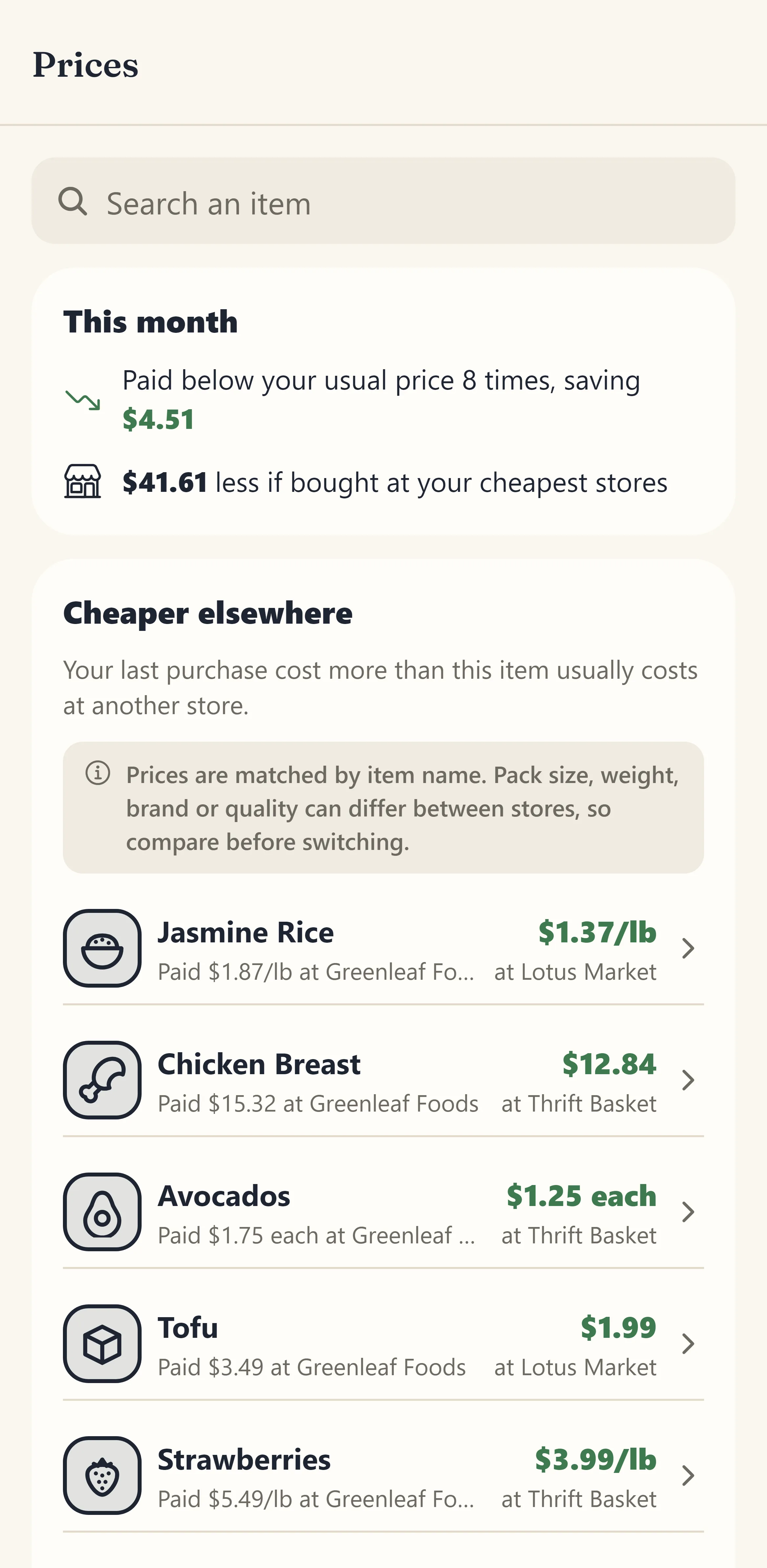
Every item you buy again gets a price history across your stores, compared per kilo, per litre or per piece, so you can see where it costs less and how much you could save.
- Price history for each item
- Fair comparison by pack size
- Savings when you switch stores
06Sorted for you, automatically
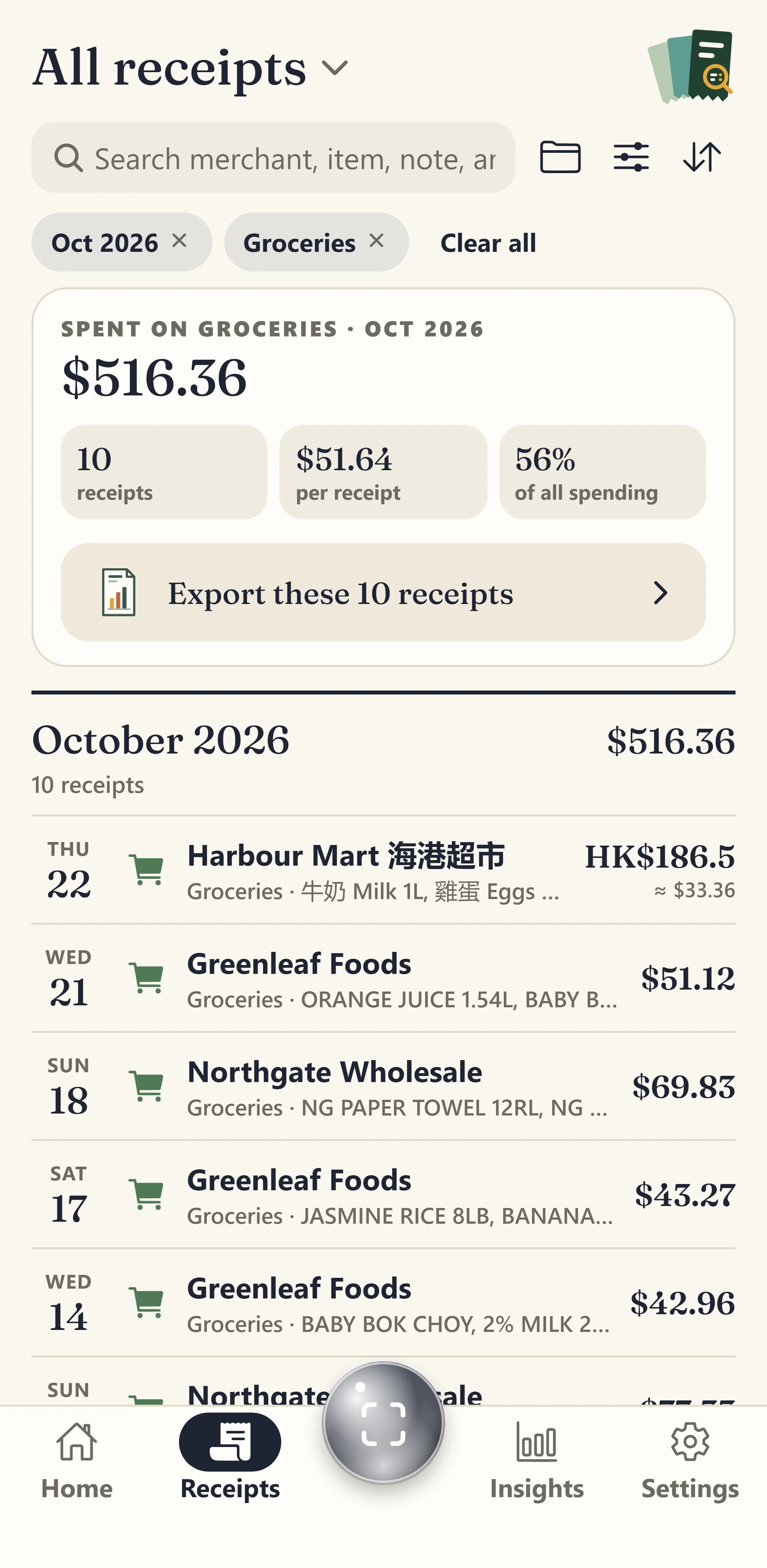
Receipts are put in a category the moment they are read, and the app learns the category you pick for each store. Folders keep a trip, a project or your taxes together; search finds any store, item or amount.
- Learns your categories per store
- Folders for trips and projects
- Search every item you ever bought
07Stay on budget
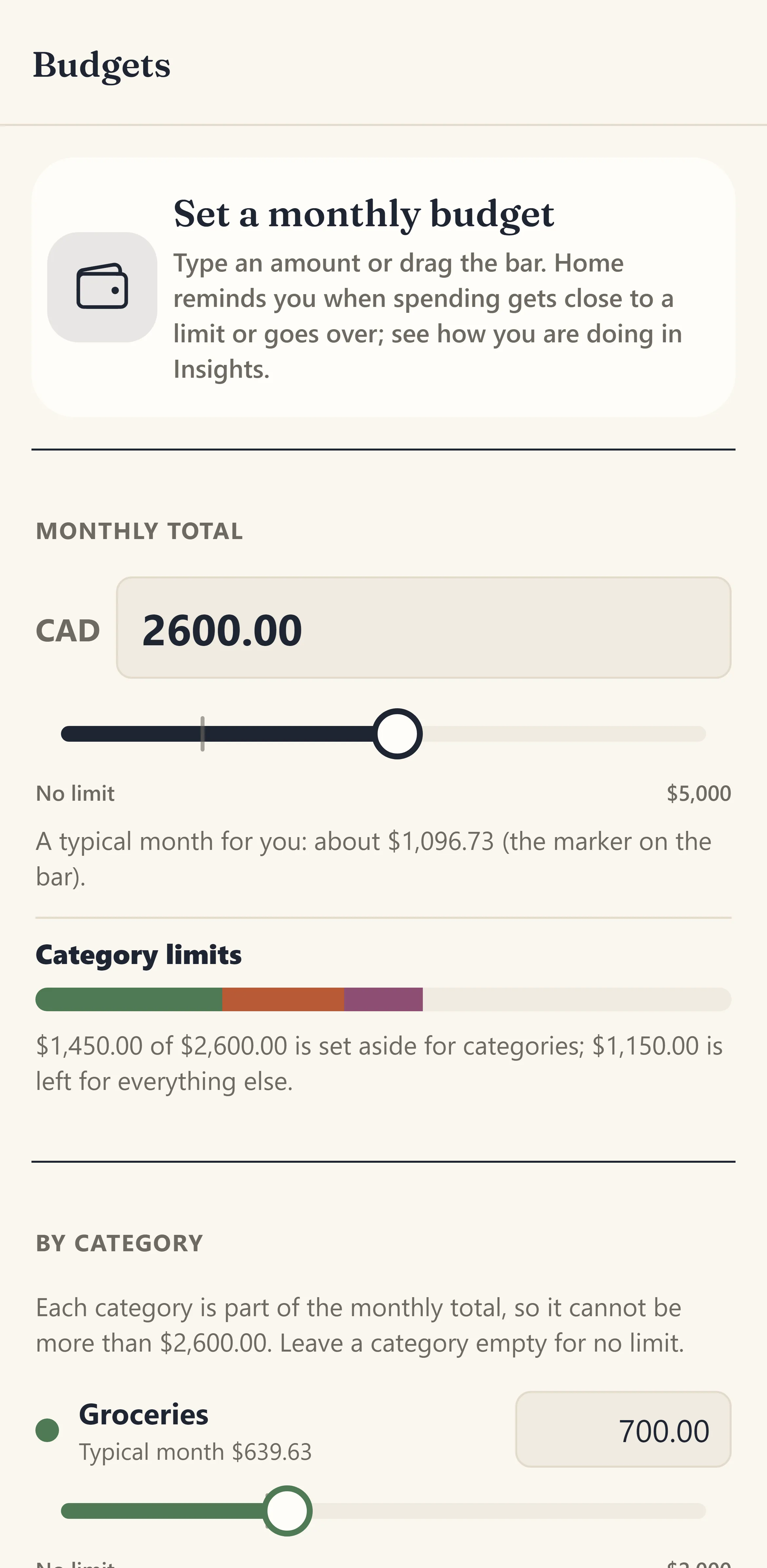
Set a monthly budget and limits for the categories you care about. Home shows how much is left, and a gentle reminder comes before you go over.
- Monthly and category limits
- A reminder at 80% of any limit
- A typical month to help you choose
08Any receipt, any currency
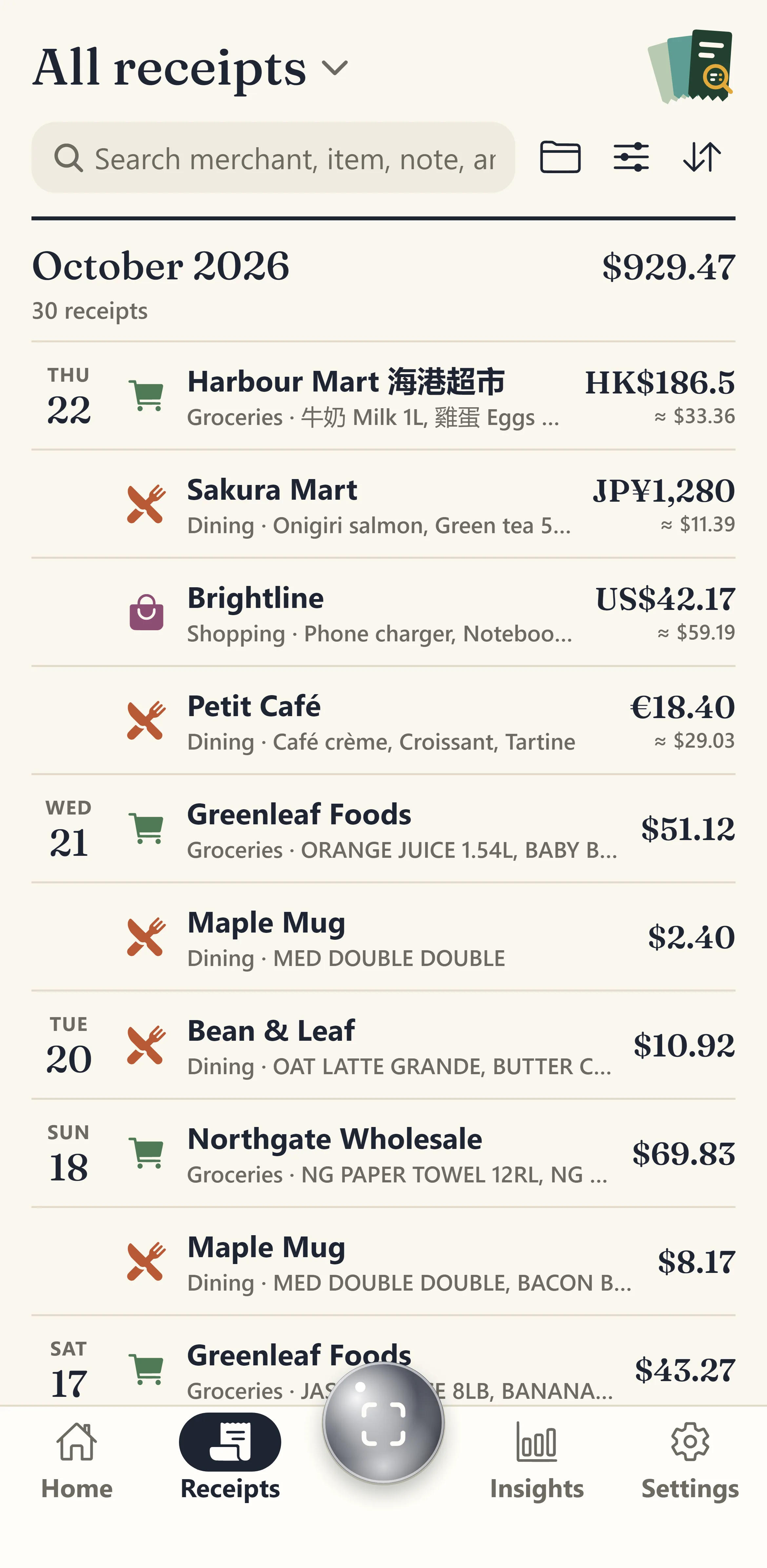
Receipts from a trip keep their own currency and are converted at the exchange rate of the day you paid, so your totals always add up in your home currency.
- Dollars, euros, yen and more
- Each receipt at its own day's rate
- Totals always in your currency
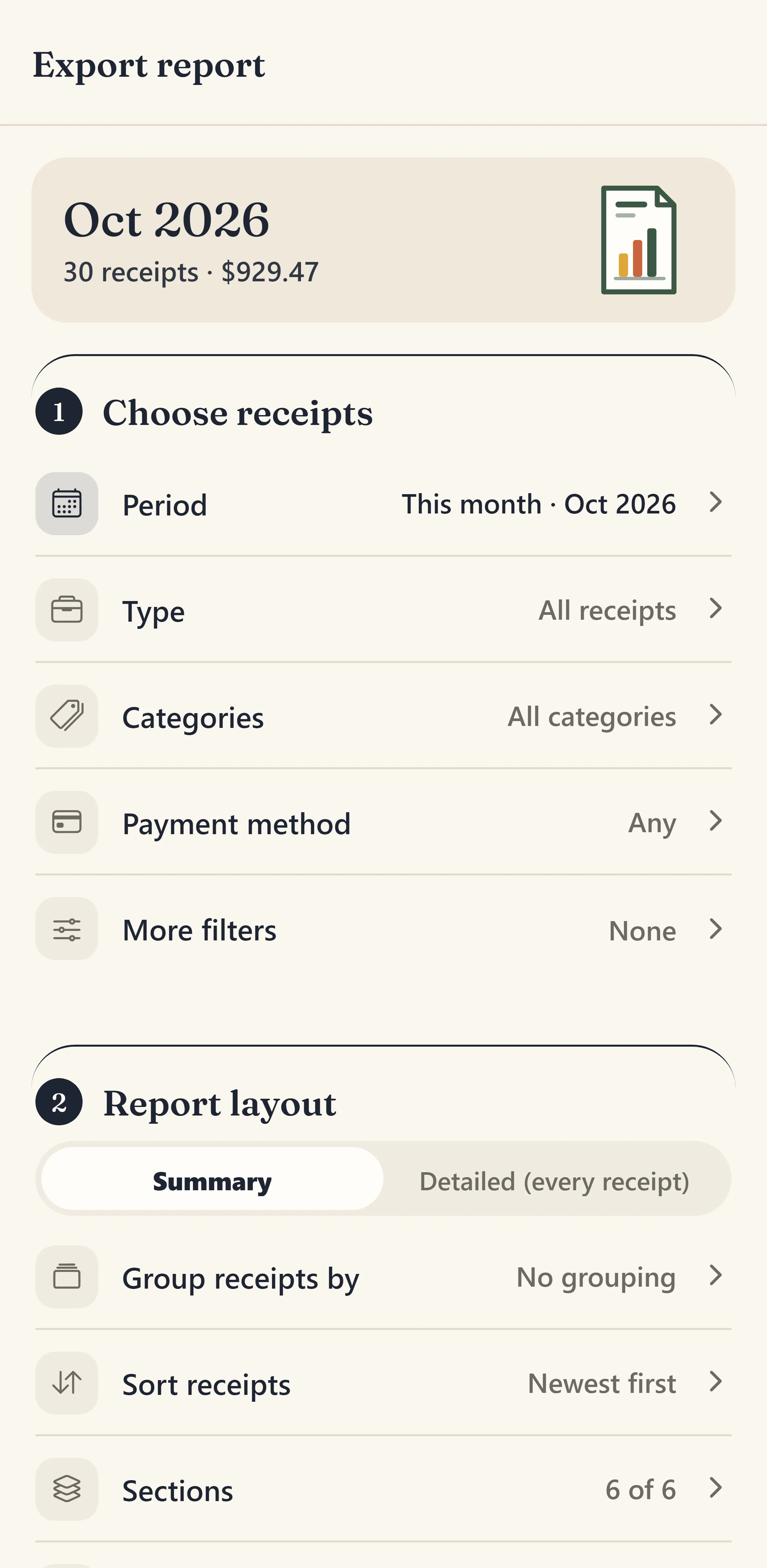
09Reports in one tap
Make a PDF with charts, an Excel workbook or a CSV of any period, category or folder, with or without the receipt photos. Ready to share, print or send to your accountant.
- PDF, Excel and CSV
- Filter by dates, category or folder
- Business and personal (Pro)